Follow these steps to run a Symbian application on your computer.
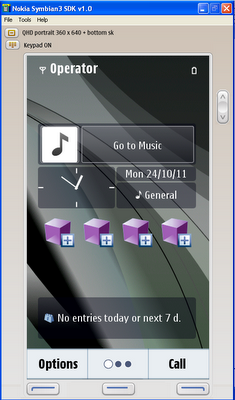
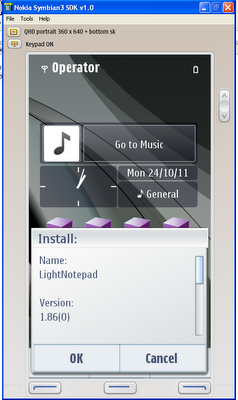
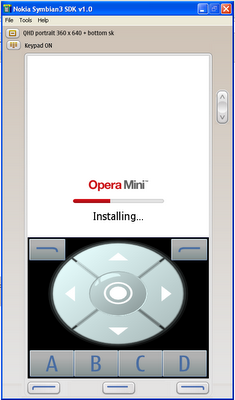
1. Download Symbian SDK from Here 2. Install the SDK and all chaintools included in the package in their default location. 3. After all packages are installed, reboot your PC. 4.Now goto Start » Program files » Nokia Developer Tools » Symbian SDK » Emulator to launch the emulator 5. Wait for the Emulator to completely load. The Emulator program will look like this when finished loading. 6.Now inside the Emulator program, gotoFile » Openand then choose your favorite Symbian applications that you want to run. 7. All set, install and enjoy your favorite Symbian apps on your PC. If you get error while installing unsigned applications, gotoMenu » Settings » Application settingsand change value from Signed only to all.